Independent developer
An independent developer with client work and personal projects, kept apart
An independent developer works for two clients and on their own projects. With pendlooq each client is a stream with its own repository, credentials and rules, the personal stream has no work access at all, and the setup they already have for Claude Code or Codex keeps working.
Updated
Before
Before: one assistant that can reach everything
Picture an independent developer with two long-running clients and a couple of side projects. Client A’s repository has a carefully tuned Claude Code setup: a CLAUDE.md with the team’s conventions and a settings file that forbids reading the .env file. Client B uses Codex, with an AGENTS.md of its own.
Their AI tools see the world the way their shell does. The terminal session that holds Client A’s deploy token is the same one where they ask for help with a personal tax spreadsheet. Nothing has gone wrong yet, but they know that a single confused instruction could use the wrong key in the wrong place, and explaining that to a client is not a conversation they want to have.
Models are a second friction. They like one vendor for code and another for long research summaries, which means two apps, two histories and no single place to see what is in progress for whom. Billing a client for the hours means reconstructing what was done from scattered chats.
After
One stream per client, one for themselves
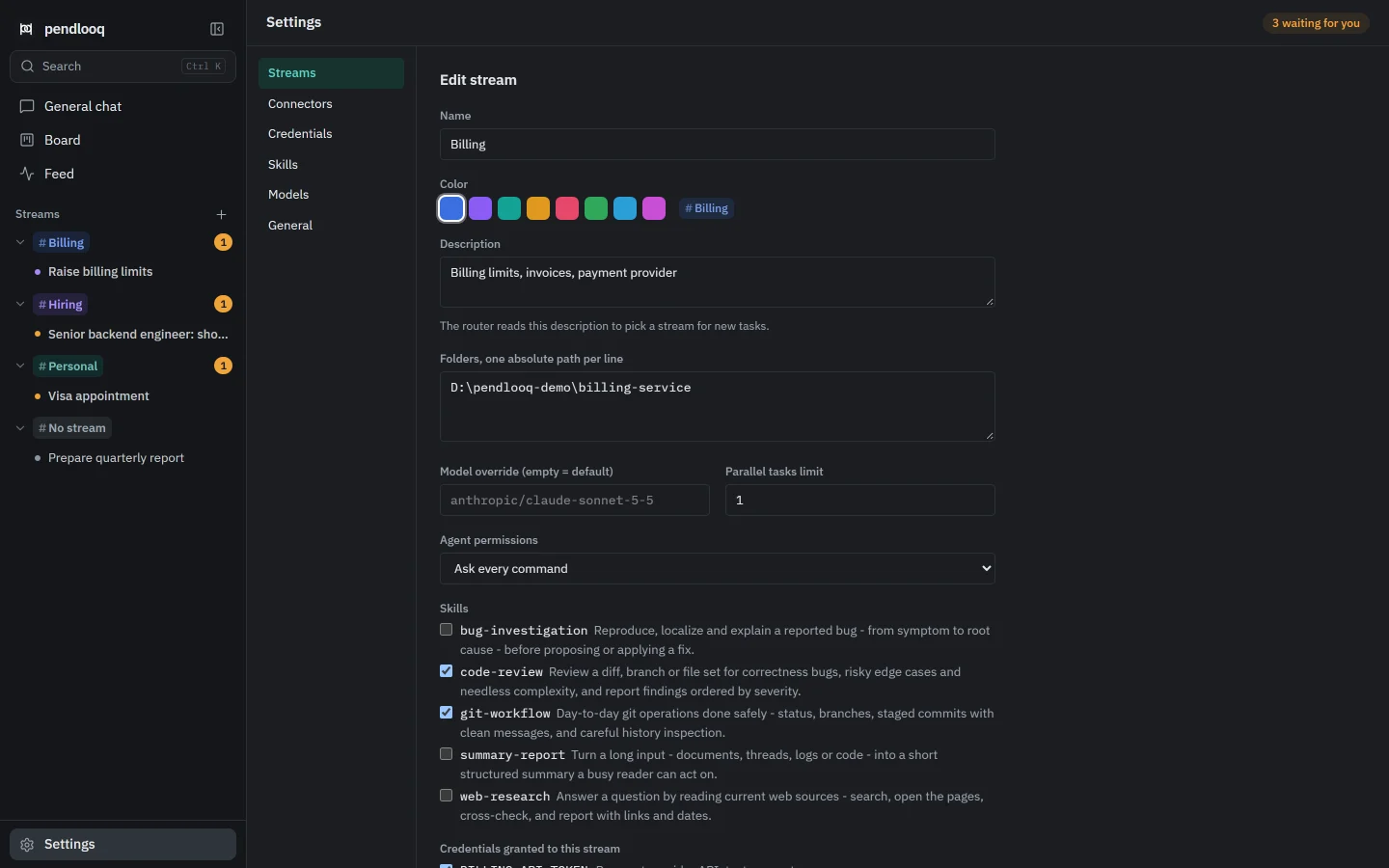
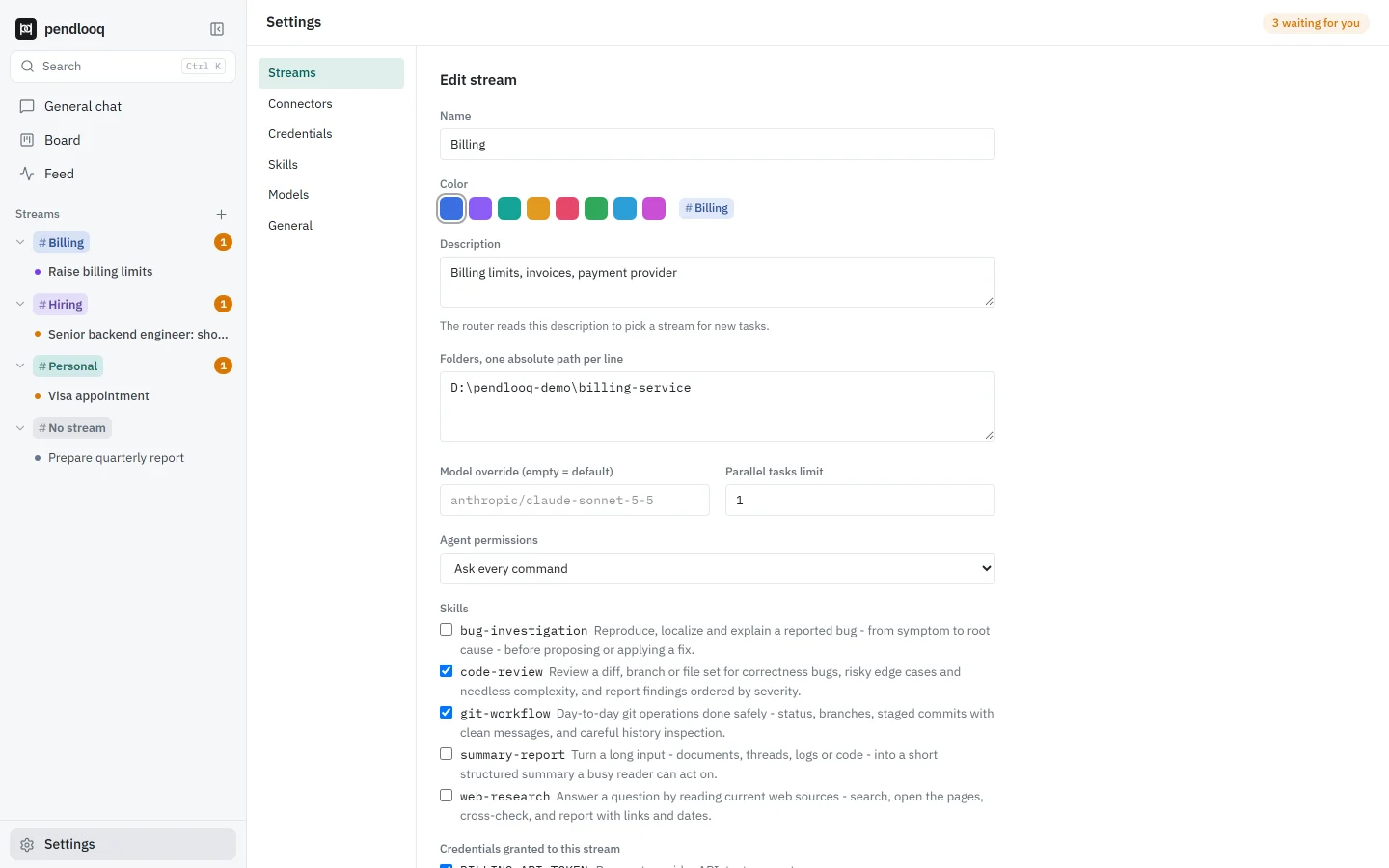
In pendlooq the developer creates three streams: Client A, Client B and Personal. Client A points at that client’s repository folder, Client B at the other one, Personal at a folder of side projects. A one-off question that belongs nowhere goes to No stream, where the assistant answers without touching any files.
Each stream’s description tells the router what belongs there, so a message about Client B’s release lands in Client B without picking anything by hand.
Credentials granted, not shared
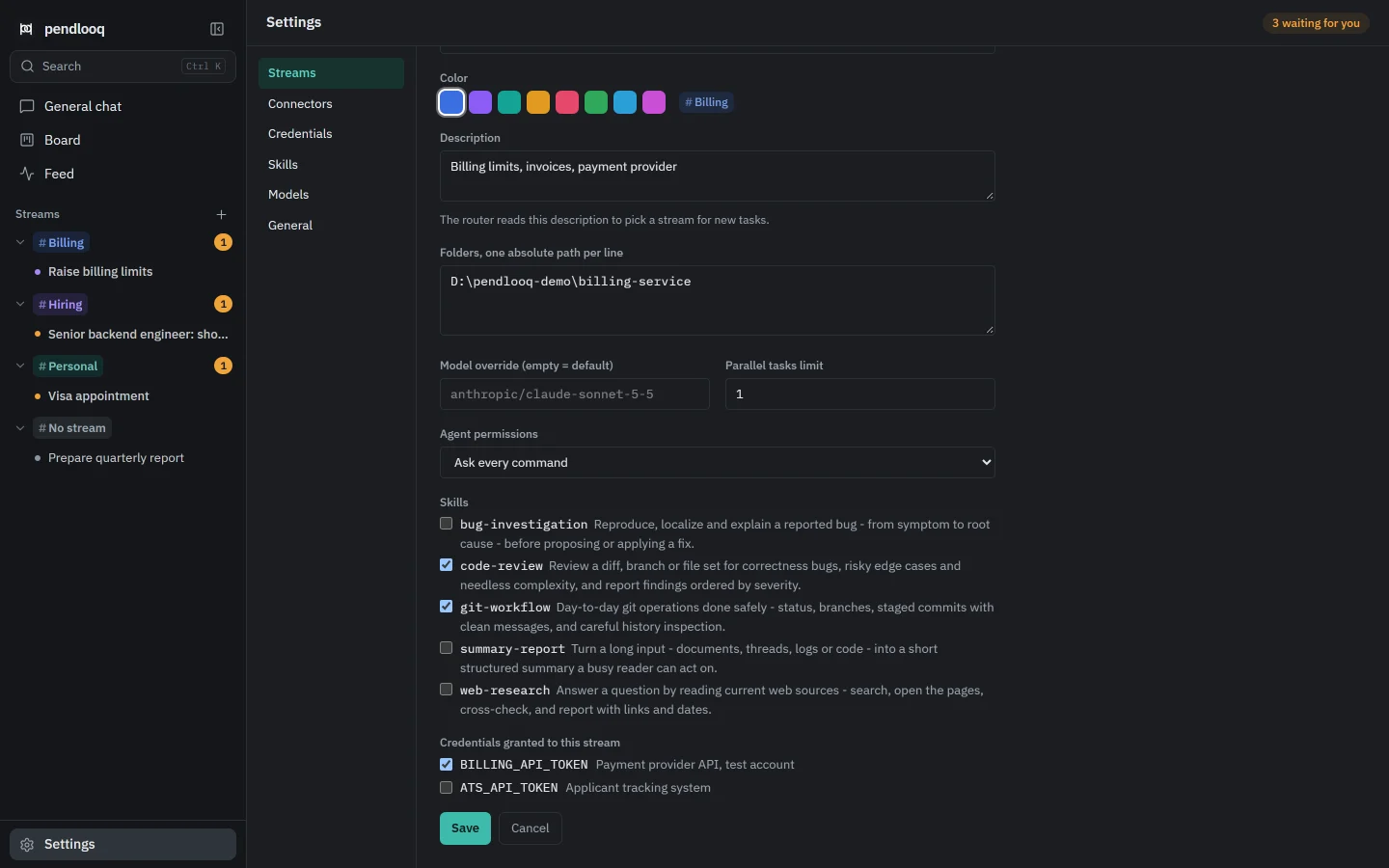
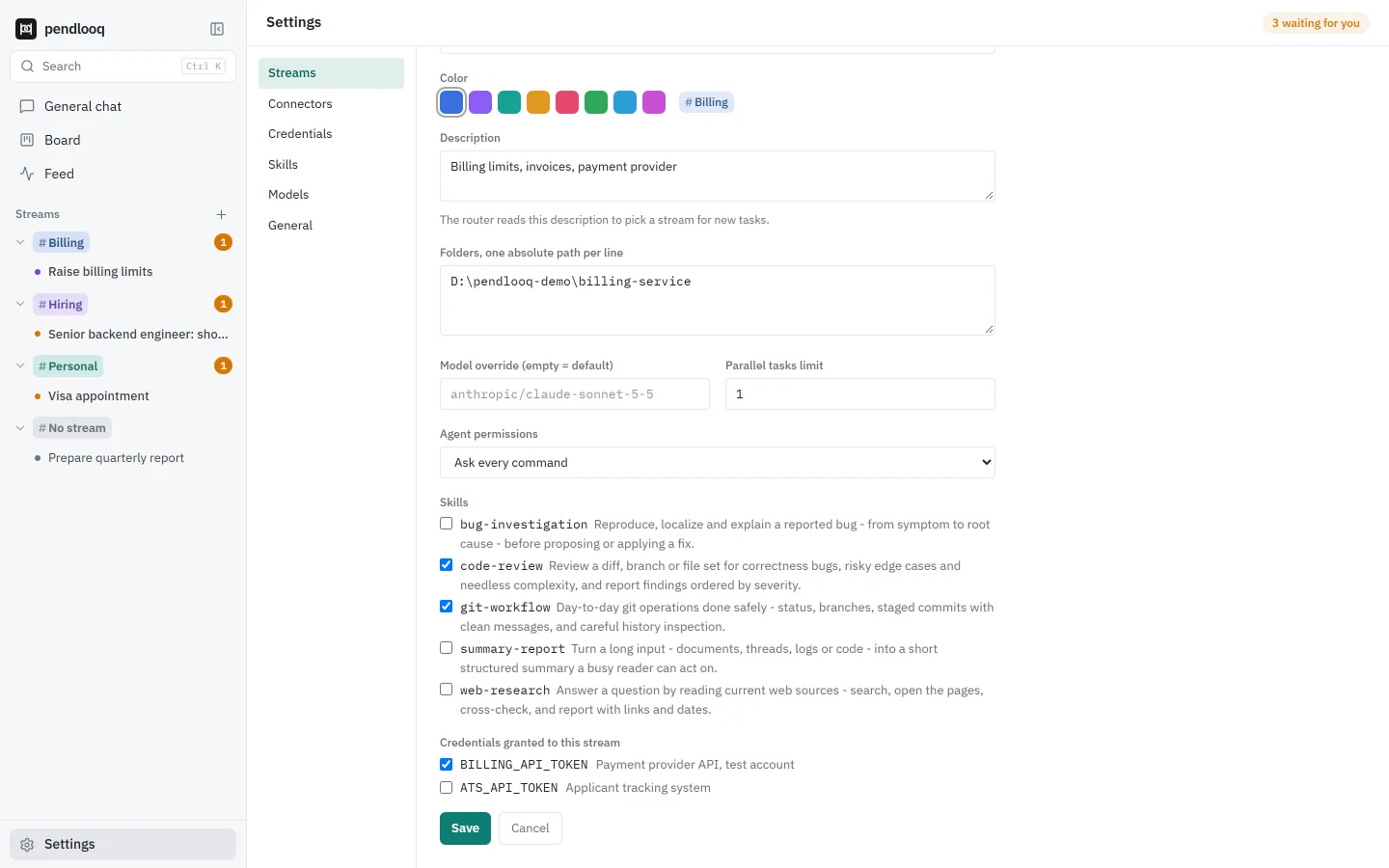
Each client’s tokens are added once in Settings → Credentials. The values go to the operating system’s keychain; pendlooq keeps only the names. Then each stream gets only its own: Client A’s deploy token is checked for Client A and nothing else.
When the agent runs a command in Client A’s folder, the token arrives as an environment variable. The model sees its name, never the value, and if a command prints it, it is cut from the output. In the Personal stream the variable simply does not exist.
The client’s rules still apply
Because Client A’s folder already has a Claude Code setup, pendlooq uses it as it is. The rule that forbids reading .env applies, the assistant reads CLAUDE.md in every task there, and when it learns something about that repository it can append it to CLAUDE.md, so the next Claude Code session knows it too. Client B’s AGENTS.md and Codex rules are read the same way.
Commands follow the stream’s mode. For client work the developer keeps the default, ask every command; for personal projects they use an allowlist. When they choose “Always in this stream” on a command in Client A’s folder, the rule is written into that repository’s own Claude Code settings.


The right model for each kind of work
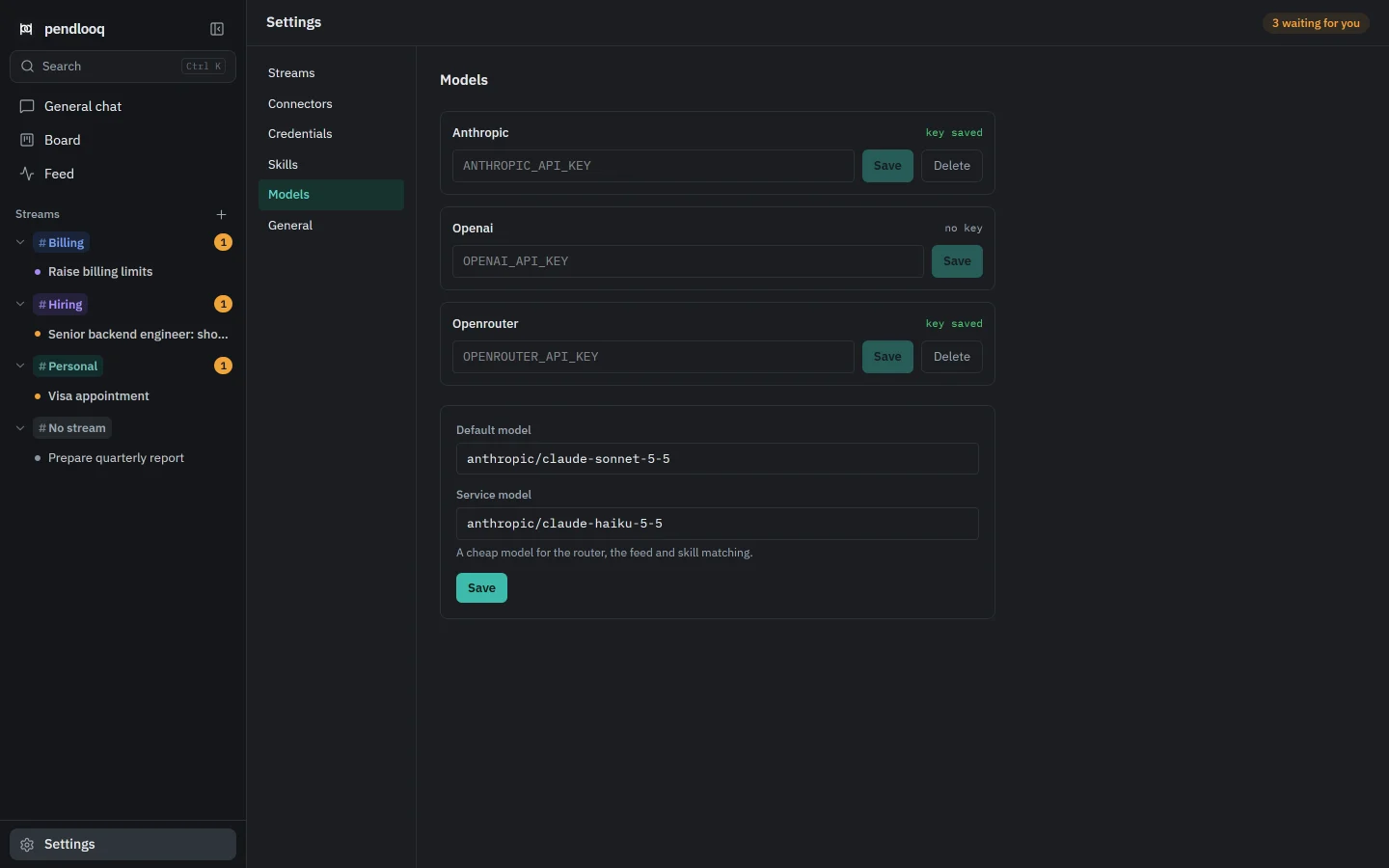
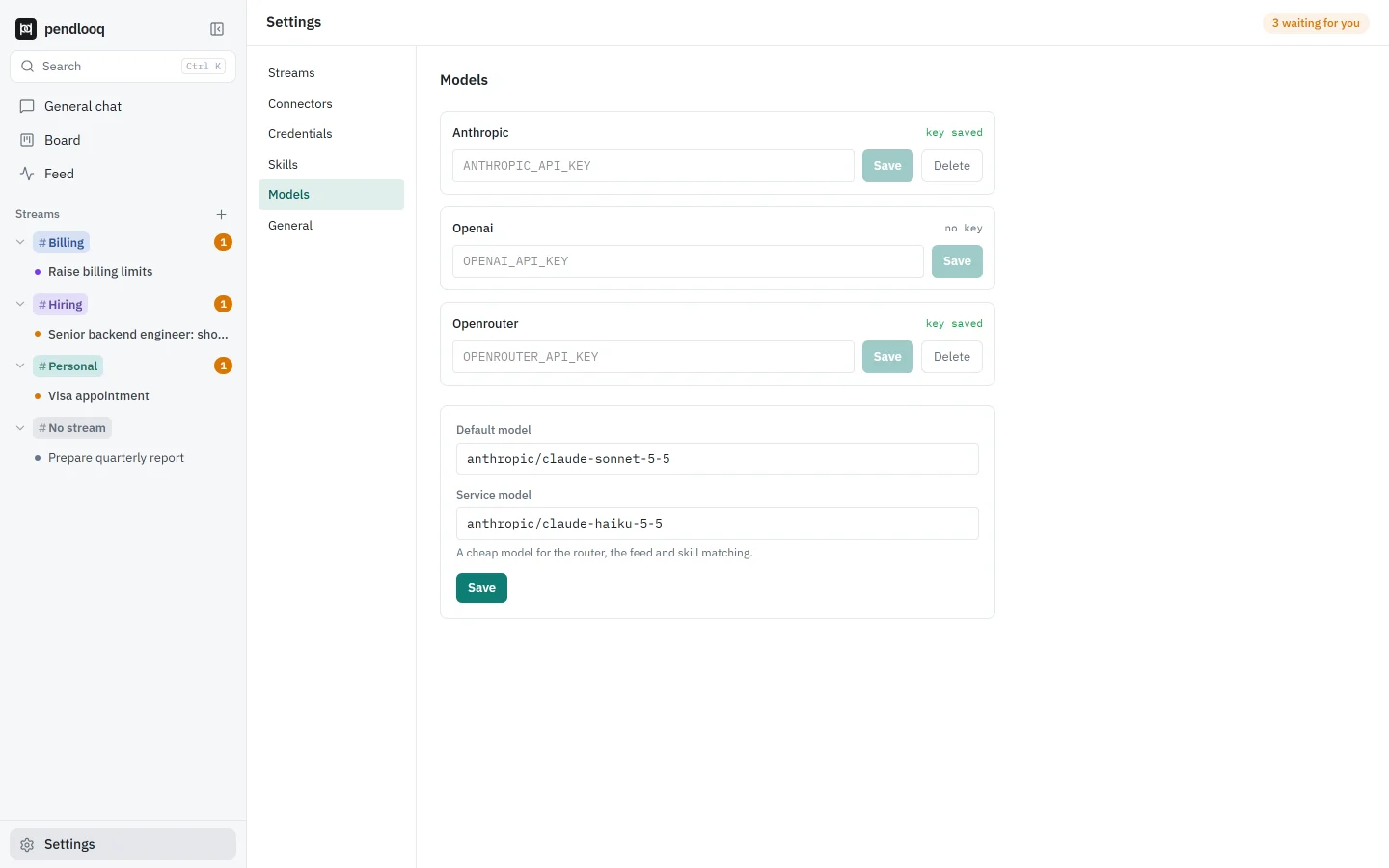
One Anthropic key and one OpenRouter key cover everything. The default model handles code; the Personal stream overrides it with a cheaper model reached through OpenRouter for research and summaries. A small service model routes messages and writes the feed. The developer pays the providers directly, with no markup.
Billing the week
At the end of the week the Board filtered to Client A shows what was done and what is waiting, and the Feed filtered to the same stream lists every action with its time. The summary for the invoice writes itself from that, instead of from memory.
What to keep in mind
pendlooq does not sandbox the operating system: the agent is limited to the stream’s folders and asks before commands by default, but a command you allow runs with your user’s rights. Keep “full auto” for folders you would trust a script with.
Model keys are per provider, not per stream, so two clients on the same provider share your key; their credentials and folders stay separate. Coming with the cloud: a runner on your own server, so client tasks can run while the laptop is closed.
Screenshots: the real app with demo data and a scripted mock model.