Your existing config
Keep your Claude Code, Codex and OpenClaw setup.
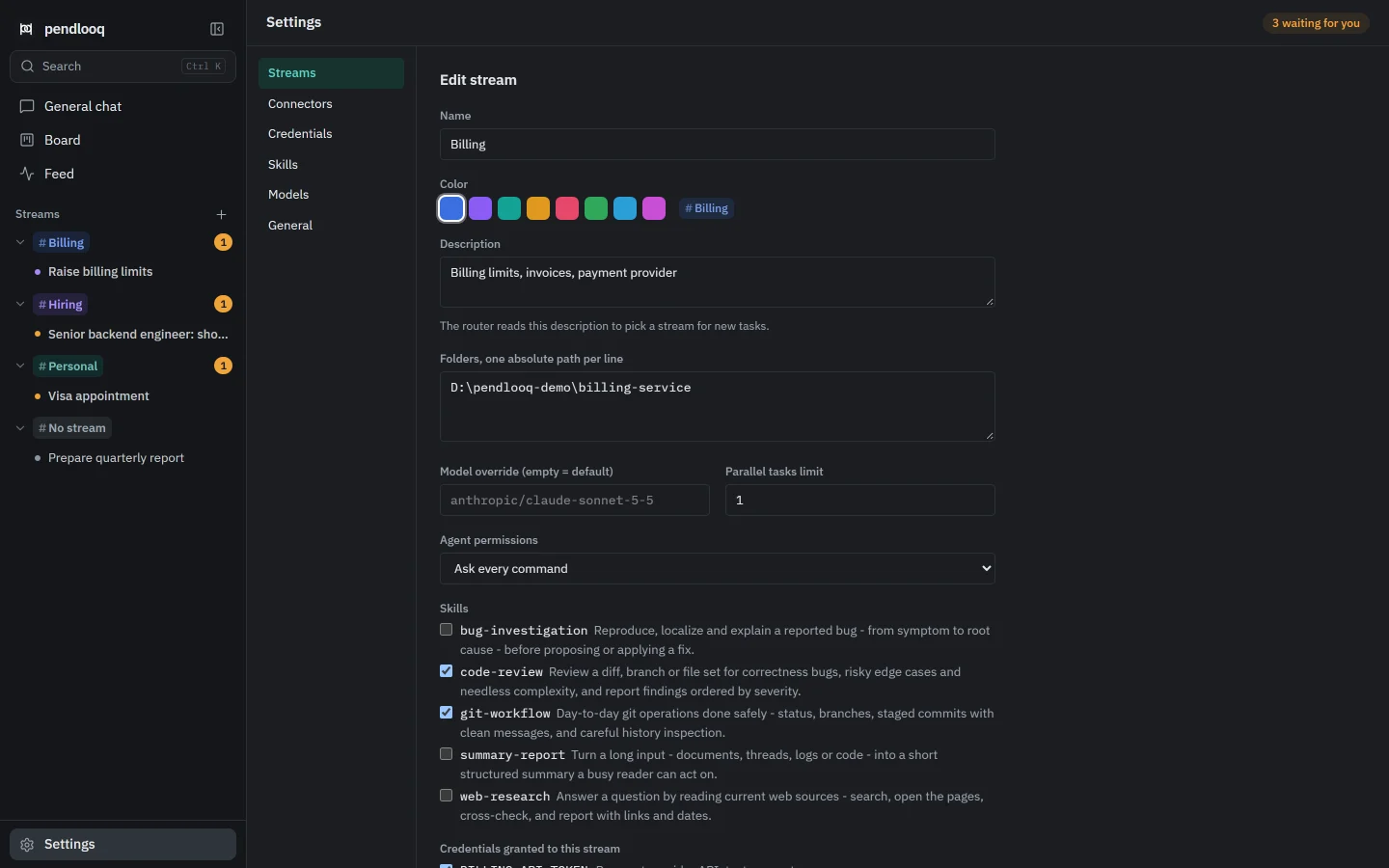
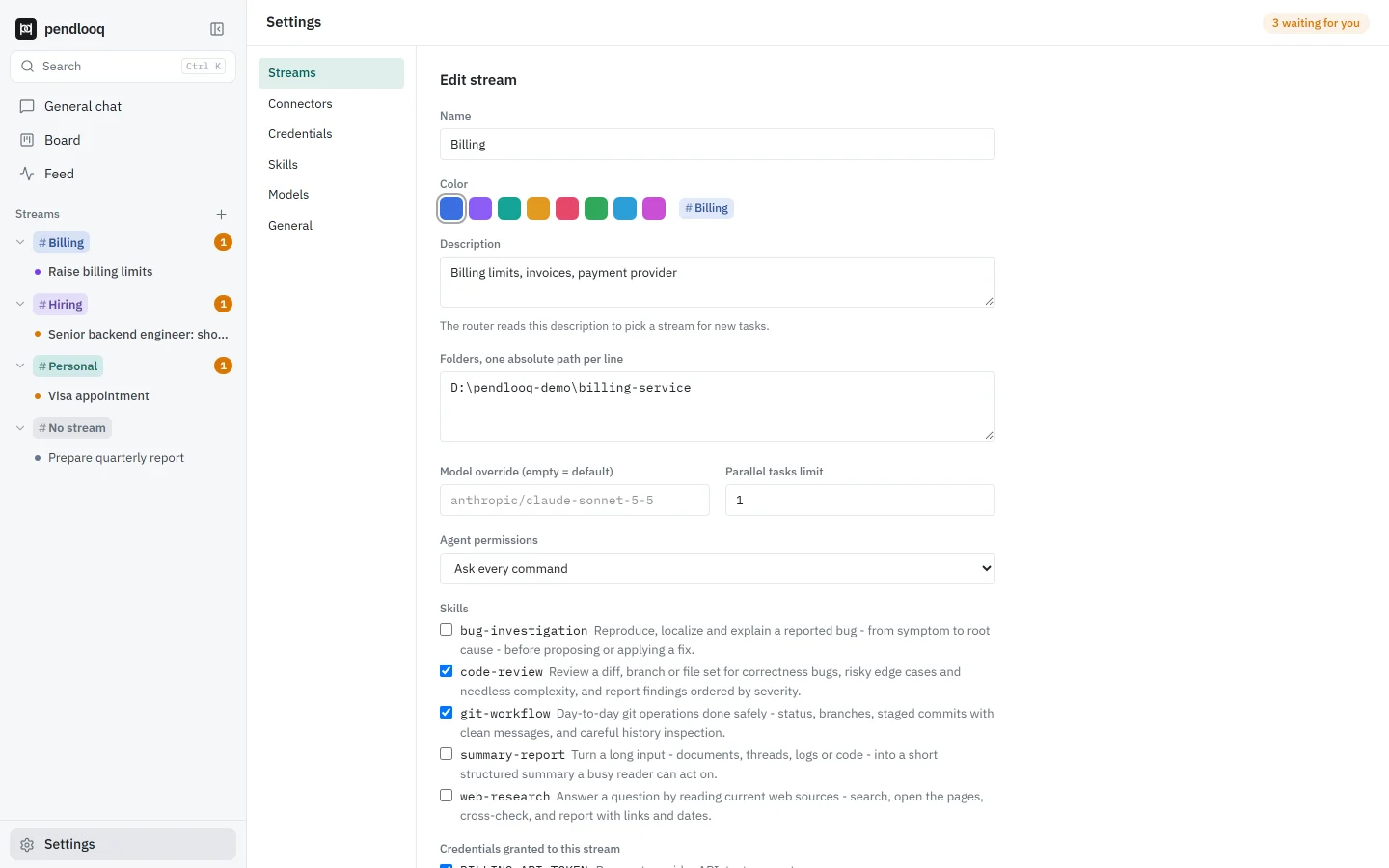
If you add a folder that already has a Claude Code, OpenAI Codex or OpenClaw setup, pendlooq uses that setup as it is: it reads the permission rules and notes already there and writes new rules and notes back in the same format. It never converts your files or puts a second config next to them.
Updated
How it works
01
Add a folder to a stream
Point a stream at a project folder, the same one you open in Claude Code or Codex.
02
pendlooq detects the setup
Claude Code: .claude/settings.json, settings.local.json and CLAUDE.md. Codex: AGENTS.md and .codex/config.toml with its rules. OpenClaw: AGENTS.md with SOUL.md.
03
Your rules apply
Allow and deny rules from the folder are applied on top of the stream’s own settings when the agent works in that folder.
04
New knowledge goes to your files
Notes the assistant learns go to CLAUDE.md or AGENTS.md; an “Always in this stream” rule goes into the folder’s Claude Code or Codex settings. OpenClaw keeps permissions in its own database, so there only notes are shared.


How it differs from Claude Desktop and ChatGPT
- Claude Desktop
- Claude Desktop includes a Code tab that runs Claude Code itself on your local project folders.
- ChatGPT
- ChatGPT includes Codex for software development in its desktop app.
- pendlooq
- pendlooq is not a wrapper around those agents. It runs its own agent with any model, and reads the configuration those tools left in your folders so the rules and notes stay in one place.
Facts about other products checked on 14 November 2026. Full comparisons
Questions
Does pendlooq need Claude Code or Codex installed?
No. It only reads and writes their configuration files in the folder. The agent itself is pendlooq’s own and works with any supported model.
What if the folder has no config?
Then the stream’s own files apply: settings.json in Claude’s format for permissions and AGENTS.md for notes, kept in the pendlooq data folder.
Which formats are supported?
Claude Code, OpenAI Codex and OpenClaw. Others may follow as separate adapters.
Will it overwrite my files?
It only appends: notes are added to the end of CLAUDE.md or AGENTS.md, and allow rules are added to the existing list.
Related
- StreamsEach line of work gets its own folders, skills and keys.Related features
- Any modelUse Claude, GPT and hundreds of other models in one app.Related features
- Independent developerAn independent developer with client work and personal projects, kept apartSee it in a working day
- Stream notes and settingsDefinitions and setup in the docs.Documentation